Connect an integration
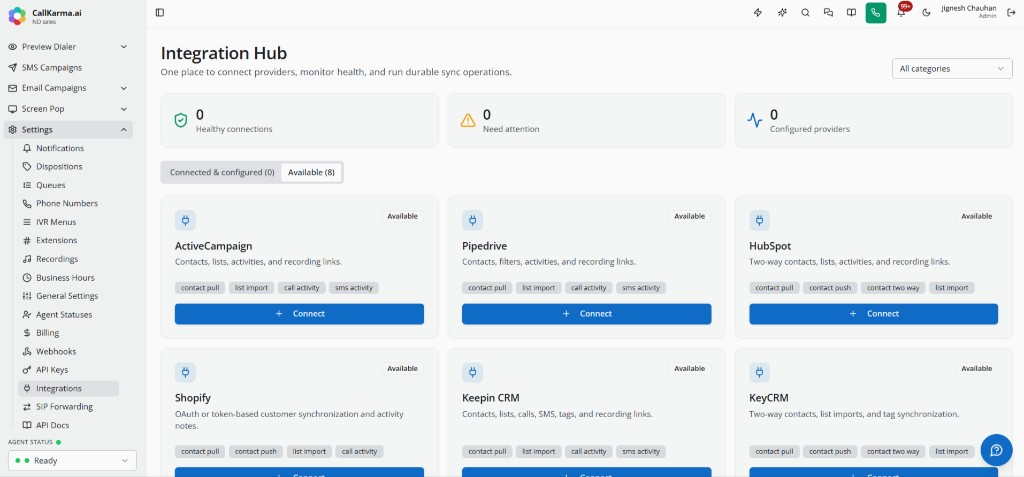
Open the Integration Hub, browse the Available providers, and connect HubSpot by choosing what to sync and adding your access token; the connection stays disabled until it passes a test.
Open Settings > Integrations and browse Available providers.
Click Connect on HubSpot and choose what to sync.
Add your access token and run the connection test — it stays disabled until the test passes.