Create a power dialer campaign
Create a power dialer campaign with dialing settings, contact answer routing, machine detection, contact lists, final dispositions and calling hours; it is saved as a draft.
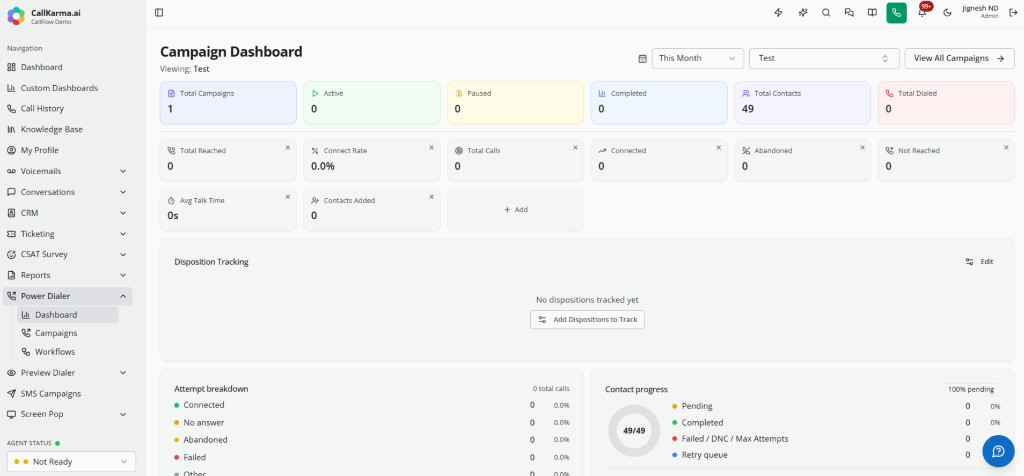
Open Power Dialer > Campaigns and click New Campaign.
Set dialing options, contact-answer routing and machine detection.
Attach contact lists and choose final dispositions and calling hours.
Save the campaign — it is stored as a draft until you start it.